
 WhatsApp
 How to Build Your Own IPTV Server (Beginner Guide 2025)

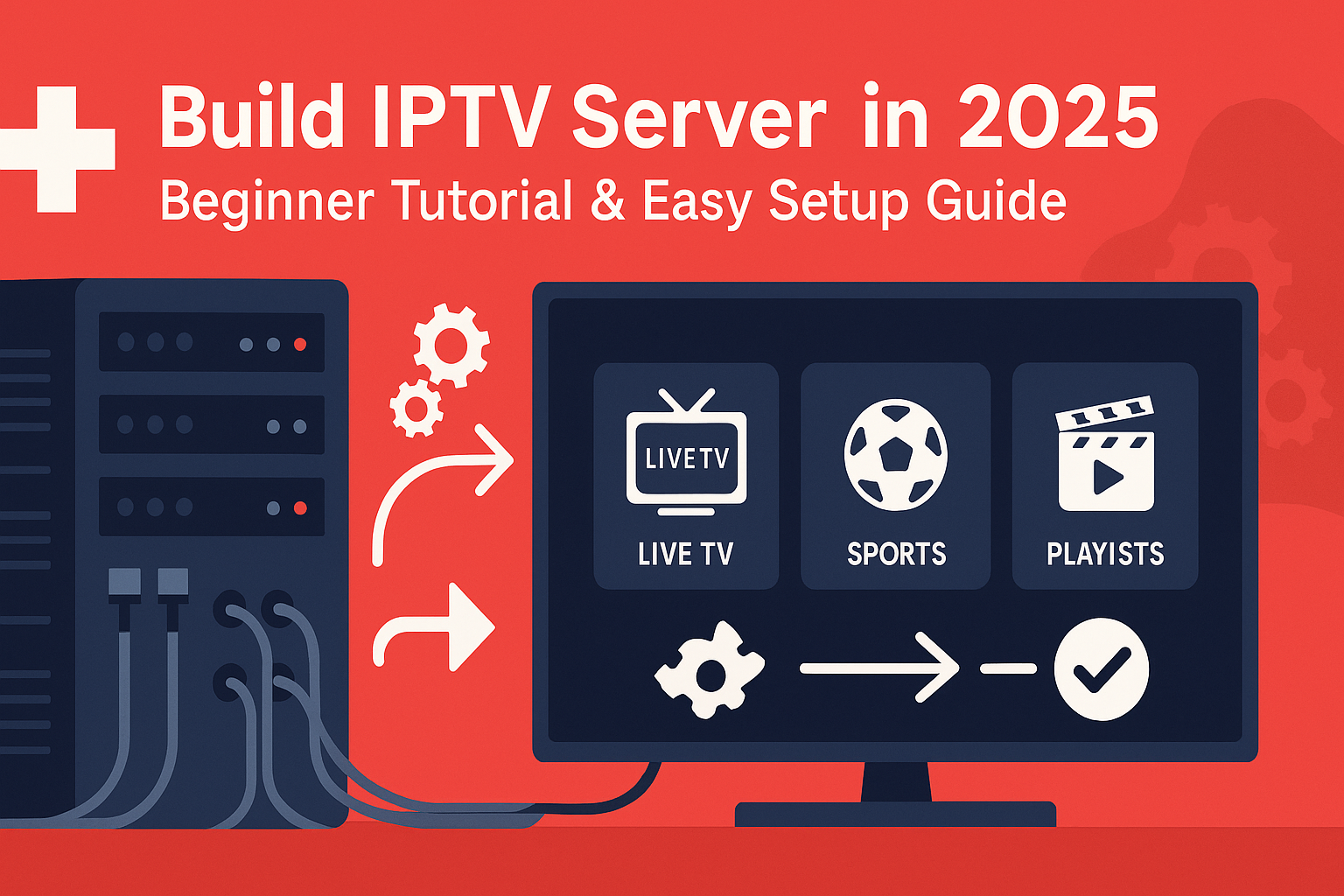
Want to build IPTV server for learning, testing, or a private home setup? This beginner-friendly IPTV server tutorial walks you through the basics, the tools you need, and the exact steps to get a stable IPTV server running in 2025.
What is an IPTV Server?
An IPTV server is the backend that ingests live streams or VOD, organizes them into bouquets/playlists, and serves them to apps (Smart TV, Android box, mobile). When you build IPTV server yourself, you control the channels, the quality, and access permissions instead of relying on third-party panels.
Requirements Before You Start
- Server or VPS: A home PC or a VPS/cloud machine (2 vCPU / 4 GB RAM minimum recommended).
- Operating System: Linux is preferred. Ubuntu LTS is the easiest for beginners (see Ubuntu Server).
- IPTV Middleware: Popular options include TVHeadend, Xtream UI, or Ministra/Stalker.
- Licensed Content: Use streams and media you own the rights to. Avoid unlicensed sources.
- Client Apps: IPTV Smarters, TiviMate, Smart TV native apps, or VLC.
- Network: Stable upload (≥25 Mbps for HD) and open ports on your router/firewall.
Step-by-Step Setup (Home or VPS)
- Provision the machine: Choose a VPS or repurpose a small PC. Install Ubuntu LTS (20.04/22.04/24.04).
- Update system:
sudo apt update && sudo apt upgrade -y - Install middleware: For beginners, TVHeadend is simple. Install it, set admin credentials, and access the web UI.
- Add sources: Import your licensed M3U streams, DVB tuners, or your local media library. Group channels into categories (Sports, News, Movies).
- Transcoding (optional): If bandwidth is limited, enable H.264/H.265 transcoding to reduce bitrate.
- Create users & playlists: Generate M3U and EPG for your devices. Test with VLC or IPTV Smarters.
- Secure the server: Change default ports, enable a firewall (UFW), create strong passwords, and consider a VPN.
That’s the core workflow to build IPTV server that’s accessible from your home network or remotely via a VPS.
Troubleshooting & Legal Notes (Switzerland)
If you encounter buffering, check CPU usage, available bandwidth, and whether the source stream is stable. For remote access, ensure port forwarding or a reverse proxy is correctly configured. Regarding legality in Switzerland: running an IPTV server is legal when you use licensed content and respect copyright. Do not restream premium channels without rights; violations can lead to penalties.
Prefer a ready-made, fully managed option instead of spending days to build IPTV server? See our Swiss plans here: FLIXUS IPTV Subscriptions or check the IPTV Installation Guide for devices and apps.
Tips for Stability & Performance
- Choose a VPS with high network throughput and low latency to your audience.
- Keep your middleware updated; patch security issues quickly.
- Use wired Ethernet when possible; Wi-Fi adds jitter.
- Enable monitoring (CPU/RAM/disk I/O) and logs to spot failing sources.
- Back up configs and playlists regularly.
FAQ — Build IPTV Server
Can I build an IPTV server for free?
Yes. You can use open-source tools like TVHeadend on Ubuntu. You’ll still pay for a server/VPS and bandwidth.
Do I need advanced Linux skills?
Basic terminal knowledge helps, but step-by-step guides make this feasible for beginners.
Is it legal to host IPTV in Switzerland?
Yes, if you only use licensed content you own rights to. Pirated channel restreaming is not allowed.
Conclusion
Now you know how to build IPTV server from scratch in 2025. Start with a small Ubuntu VPS or a home PC, add legal sources, secure your panel, and test on your TV apps. If you prefer zero maintenance, choose a stable, compliant solution like FLIXUS IPTV and get streaming in minutes.
FLIXUS IPTV Switzerland
Ready to Watch? Try FLIXUS IPTV Free – No Credit Card Needed
30,000+ live channels • 200,000+ movies & series • 4K quality • Smart TV, Firestick, Android • Instant activation
🚀 Get Free Trial Now See Pricing✅ Free 24h test ✅ No commitment ✅ All devices supported